
I moved my MCP servers from Claude to Codex. Here's the cheat sheet
A technical guide details the migration of "MCP server" configurations from Claude Desktop and Cursor environments, which use JSON, to Codex, which requires TOML format. The change affects only the configuration file structure, not the underlying servers, and a browser-based converter is available for bulk transitions.
The primary challenge when moving "MCP servers" between Claude and Codex environments is a change in how configurations are stored. Claude Desktop and Cursor utilize JSON for these server configurations, whereas Codex requires them in TOML format, typically located in `~/.codex/config.toml` or within a trusted project. This means that merely transferring server definitions is insufficient; their configuration data must be converted.
For users managing a small number of "MCP servers," manual conversion of the configuration syntax is presented as feasible. However, for a larger quantity, a dedicated "MCP config converter" tool is provided. This converter operates as a paste-and-convert page within the user's browser, notably without uploading any data, and facilitates conversion between JSON and TOML formats.
The article, authored by the operator of a directory for ChatGPT and Codex plugins, focuses specifically on this configuration format change. It does not provide details on what "MCP servers" are, nor does it explain the broader functionalities of Claude Desktop, Cursor, or Codex beyond their respective configuration storage methods. The presented solution is narrowly focused on the technical step of configuration format conversion.
Share this article
Related reading
6 stories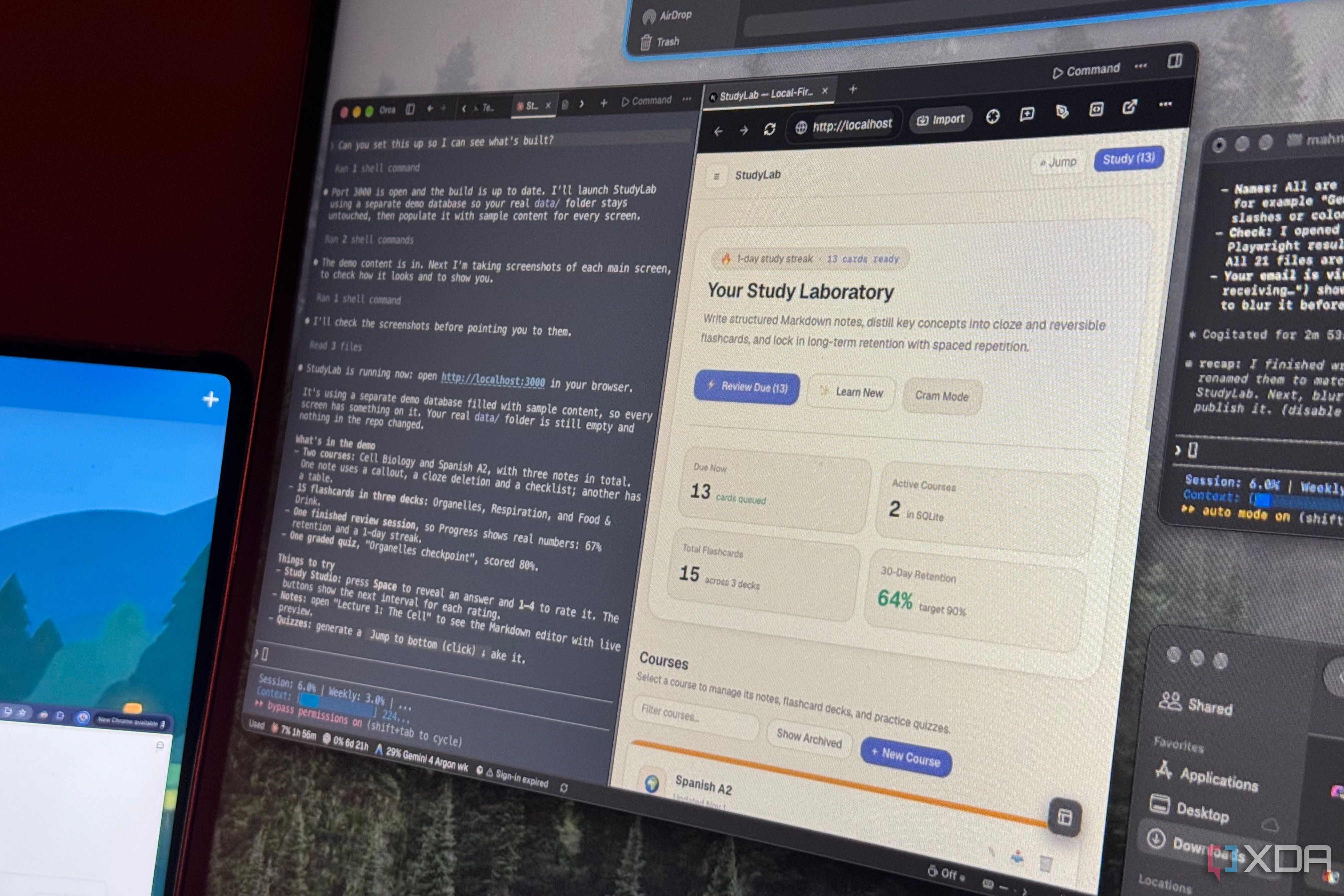
I made Claude Code, Codex, and Antigravity work together on one project instead of competing
We previously explored making Claude Code, Codex, and Antigravity work together on a single project.
SCMP Plus’ fireside chat about AI with Professor Alan Macfarlane

China’s ‘Lipstick King’ hawks tokens as AI gets mass-market Singles’ Day push

Tokenised gold bar to advance Hong Kong’s ambitions as digital, metal trading hub

Tech firm reveals AI models are getting better at everyday human tasks
