
I keep Copilot off on Windows, but its desktop app has me rethinking my Gemini and Claude subscriptions
Microsoft's Copilot desktop application has undergone significant changes this year, merging with the Microsoft 365 Copilot app. This evolution introduces advanced features that may lead users to reconsider existing subscriptions to other AI chatbots, distinguishing the standalone app from its earlier integration within the Windows operating system.
Many Windows users have historically sought to disable or minimize Copilot due to its perceived intrusive integration. However, the standalone Copilot desktop app has evolved separately, now functioning as a desktop wrapper for the Copilot website. This change means the taskbar button and Copilot key on newer keyboards primarily serve as shortcuts to open the app, which can be unpinned like any other application, offering a less intrusive experience than past versions.
The updated Copilot app now permits sign-in with various accounts, including Google, moving beyond the previous requirement for a Microsoft account. Users also gain greater control over data access, with optional features for file search and connectors to services like OneDrive and Gmail. These can be toggled off, allowing individuals to manage their privacy settings directly.
Among its new capabilities is the Copilot Prompt Lab, a curated library of ready-made prompts categorized under functions such as Analyze, Ask, and Assist. These prompts include bracketed blanks where users can insert specific details, for example, comparing options for a project. Users can also save and rename their own prompts, a feature noted by the reporting as uncommon among mainstream chatbot applications.
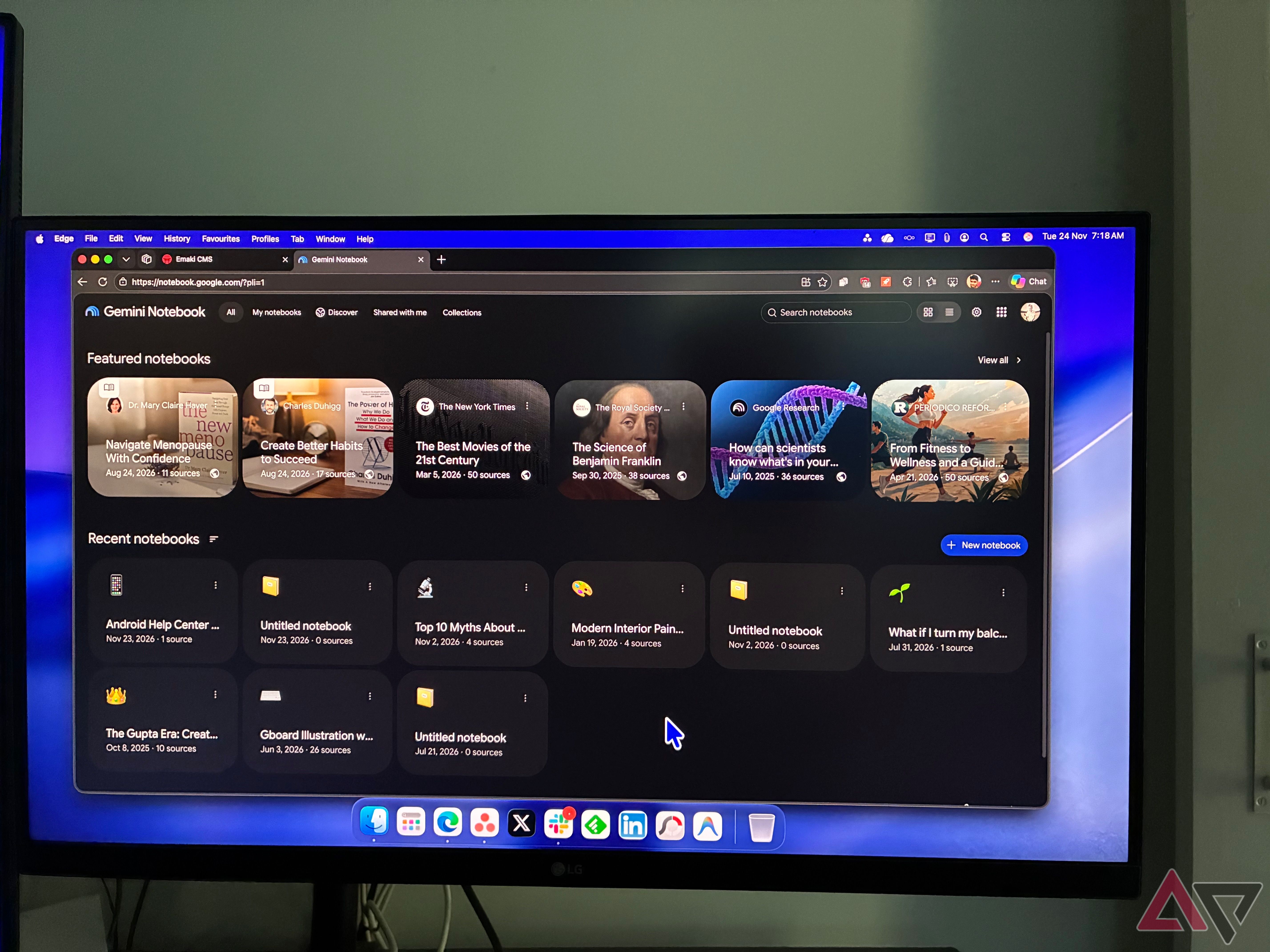
The app also introduces Notebooks, a feature similar to Claude Projects and Gemini's notebooks. This allows users to create dedicated spaces for specific topics or projects, providing references from uploaded files, links, OneDrive files, or past Copilot chats. While Notebooks are stored in Microsoft's cloud, meaning uploaded content leaves the user's PC even with OneDrive disconnected, and new references may take up to 10 minutes to become active, Copilot offers unlimited notebooks, a distinction from Claude Projects.
Additionally, a Library feature provides a single view of all content generated by Copilot, encompassing documents, presentations, workbooks, Pages, and images. While Gemini's version of notebooks is noted for syncing with NotebookLM and offering extras like video overviews and infographics, the overall evolution of the Copilot desktop app presents a more robust and controllable AI assistant experience that could serve as a free alternative to paid chatbot services.
Share this article
Related reading
6 stories
DeepSeek is China’s latest developer to worry about losing control of AI

SurveySparrow launches MCP server to build and manage surveys inside Claude and ChatGPT

Why More MPs and MLAs in This AI Era?
I built my own Android Help Center with Gemini Notebook; here's how it went