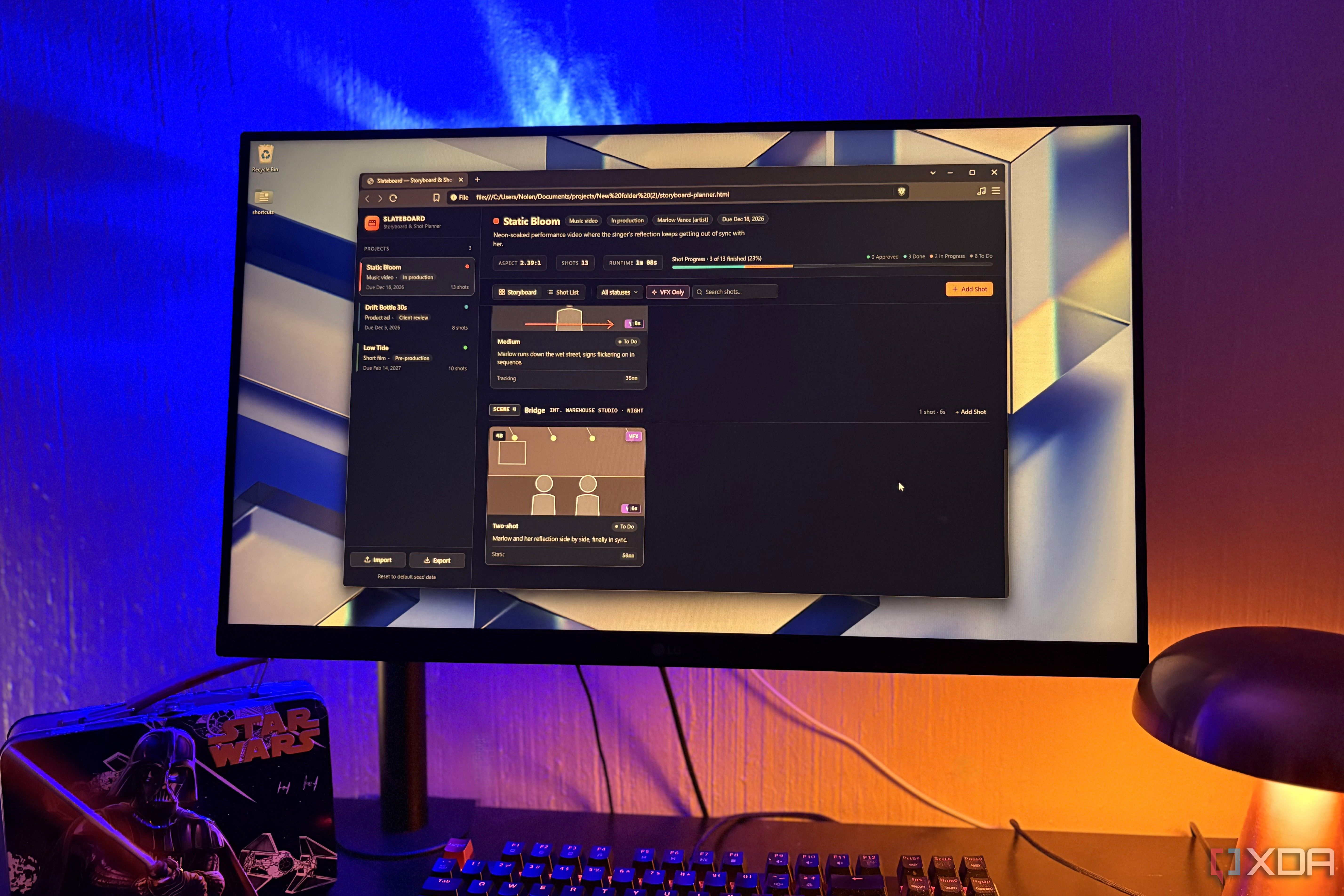
I built my own Android Help Center with Gemini Notebook; here's how it went
A user leveraged Google Gemini Notebook's website builder feature to create a personalized Android Help Center, consolidating information from various online sources into a single, interactive page. This process involved supplying source material and a simple text prompt, demonstrating the tool's capability for rapid content organization.
Google Gemini Notebook, an AI tool, offers a website builder feature that allows users to generate functional, interactive websites from provided sources. One user successfully employed this feature to construct a dedicated Android Help Center, designed to quickly address common device issues and list important functionalities.
The creation process bypasses traditional web development skills, requiring users to input relevant web pages, articles, and videos as source material into Gemini Notebook. Following this, a simple prompt, such as "make me a site," triggers the AI to assemble the information. For context, a site based on 10 sources took approximately five minutes to build, while the Android Help Center, with six sources, was completed in about two minutes.
The resulting websites prioritize readability and quick information access. The user noted that the generated sites feature a simple aesthetic, which aids faster information consumption. This design approach appears deliberate, as complicated effects can increase creation time and potentially hinder user experience.
Specific accessibility features are integrated into the generated sites. The Android Help Center, for example, includes filters for quickly finding solutions and identifies "Common escalation cases" for major Android brands like Google, Samsung, Motorola, and Xiaomi. It also serves as an Android guide, detailing features and usage guidelines.
The websites are presented as single-page experiences, meaning internal links function as shortcuts to different segments on the same page rather than opening new tabs or external sites. This design choice allows users to remain on a single tab throughout their web session, which the user suggested could be beneficial for devices with limited battery life. While a dark mode switch is available when sites are created at night, the user expressed a desire for it to be a permanent option regardless of creation time. This shows a user's workflow can be significantly simplified, turning content aggregation into an automated website generation task.
Share this article
Related reading
6 stories
DeepSeek is China’s latest developer to worry about losing control of AI
SurveySparrow launches MCP server to build and manage surveys inside Claude and ChatGPT

Why More MPs and MLAs in This AI Era?

Los Angeles schools block Google's AI features, consider dropping tech giant's products
Grok Bot feels like ‘another ChatGPT moment’ to Gavin Baker. Musk adds a megaphone.