
Google Gemini Gets Floating Bubble Shortcut for Easier Multitasking: Say Goodbye to Full-Screen Takeovers
Google is introducing a floating bubble shortcut for Gemini on Android devices. This new feature allows users to access the AI assistant without taking over the full screen, improving multitasking capabilities. The update aims to make Gemini more seamlessly integrated into the user experience, particularly for those who frequently switch between applications. This development reflects Google's ongoing efforts to enhance Gemini's accessibility and utility across its mobile ecosystem, directly impacting Android users in Asia who rely on Google services for productivity and information.
Google's new floating bubble for Gemini on Android devices is a practical user interface improvement, not a fundamental AI breakthrough. This feature addresses a common pain point for mobile users in Asia: the disruption caused by full-screen AI assistants. By allowing Gemini to operate as an overlay, Google makes its AI more accessible for quick queries and tasks without forcing users to abandon their current application. This small change could significantly boost Gemini's daily usage among Android's vast user base across markets like India and Indonesia, where multitasking on mobile is prevalent. The real implication for Asia is in user retention and data collection. A more convenient Gemini means more interactions, which in turn provides Google with richer data to refine its AI models for regional languages and contexts. The risk, however, lies in potential feature bloat or performance issues on lower-end Android devices common in Southeast Asia, where system resources are often constrained. Google must ensure the floating bubble is lightweight and responsive to truly benefit the diverse Asian market.
Share this article
Related reading
6 stories
US or China? Why Kazakhstan refuses to pick sides as it eyes AI revolution

LUXEED And Aimoga Robots: Co-Building The Future Of Mobility Through A Connected Human-Vehicle-Home Ecosystem
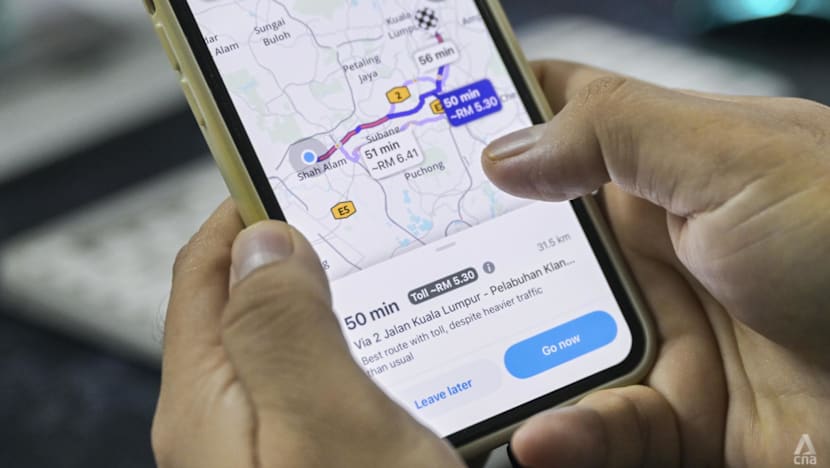
Malaysia wants to move away from Waze. Will drivers make the switch?

Stripe invoices aren't revenue: how to turn them into ASC 606 schedules with a webhook

I built a small engine that gives local LLMs real tools
