
I let Gemini handle my Docs, Sheets, and PDFs for a week; there's one major catch
Google's Gemini AI now offers in-chat editing for files, including PDFs, Docs, Sheets, and Slides, according to a user's week-long test. This new capability allows users to modify documents directly within the chat interface, building on Gemini's existing file generation features. However, the functionality for PDFs is limited to files created within Google Workspace or by Gemini itself.
Gemini's new in-chat file editing feature extends its utility beyond simply generating documents from prompts. Users can now open and modify supported files directly within the conversation, a step that enhances productivity by streamlining document workflows, particularly for those who frequently convert reports or notes into editable formats like spreadsheets or documents.
A key distinction for this new functionality is its specific compatibility. While Gemini can edit PDFs, this capability is currently restricted to "native files generated in the chat or within Google Workspace." It does not support arbitrary PDFs originating outside Google's ecosystem, such as those from Adobe Acrobat or scanned images. Similar limitations apply to other editable formats like Docs and Sheets, which primarily work with files generated or converted inside Gemini.
The practical implications vary by platform. PDF editing is available on both mobile and web versions of Gemini, offering portability. However, other formats like Docs and raw text are confined to the desktop browser. The user experience also differs, with desktop browsers reportedly offering faster file loading and more reliable performance compared to the Android app, which sometimes experiences slow loading or hangs when previewing PDFs.
Share this article
Related reading
6 storiesBest AI Summarizer in 2026: 8 Tools Matched to What You Actually Need to Read
Our guide to the best AI summarizers offers a broader look at tools that can handle your documents.

As 1 mainland Chinese chip IPO soars, another stumbles in busy Hong Kong week

Sunlife Brings Google Workspace with Gemini to Asia Advisors
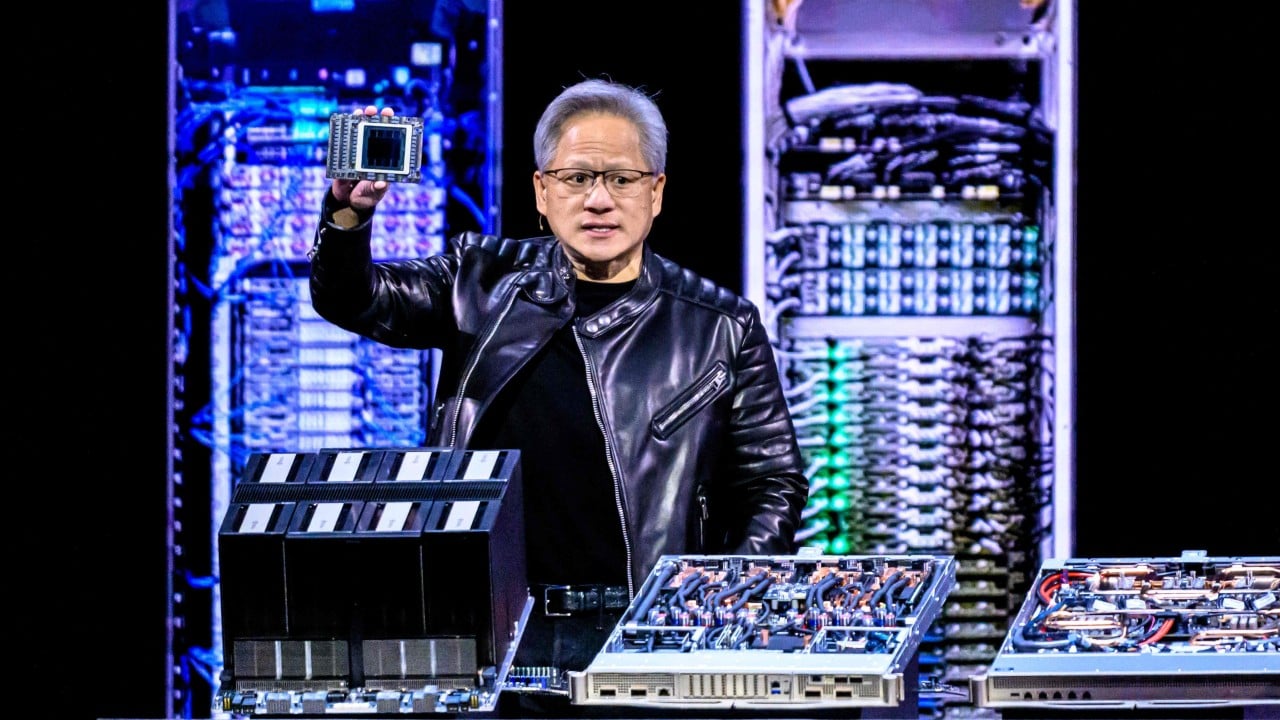
Chinese traders still confident of Nvidia GPU access amid Jensen Huang scandal

Less coupon math, more AI: what’s new for China’s 18th Singles’ Day
